
WordPress.com vs WordPress.org – what is the difference?
WordPress began as a blogging platform, but it’s now a popular content management system that’s used to power any type of website.
But before we get into that, let’s talk about the difference between a blog, a website, and a CMS.
What is a website?
It’s a pretty general way of describing any web document you can access on the internet. It could be a static one-page website with some basic information, to a social media platform like Twitter.
While there are specific characteristics associated with blogs, blogs are also websites. The term blog is actually an abbreviation for a weblog.
Blogs often contain a collection of posts and articles presented in chronological order, usually listed by date, but can also be organised by author, categories, or tags.

While it’s not required, blogs tend to be written in the diary-style commentary. At its most basic, a blog is really just an archive of regularly updated content.
You may not change the content of your homepage very often, but for a blog, you may post something daily, weekly, or monthly. A website can contain standard informational pages, and also include a blog section.
A content management system, or CMS for short, is an application used to create, manage, and publish content.
How is this different from a website builder?
Website builders make it possible to add content and customise templates without writing any code.
But you’re limited to the options in the builder itself. You don’t have any access to any of the source code that your site is built on.
If they change something, add or remove a feature, you just got to roll with it.
With the content management system, not only can you add content and customise templates, you’ll have access to all of the source code.
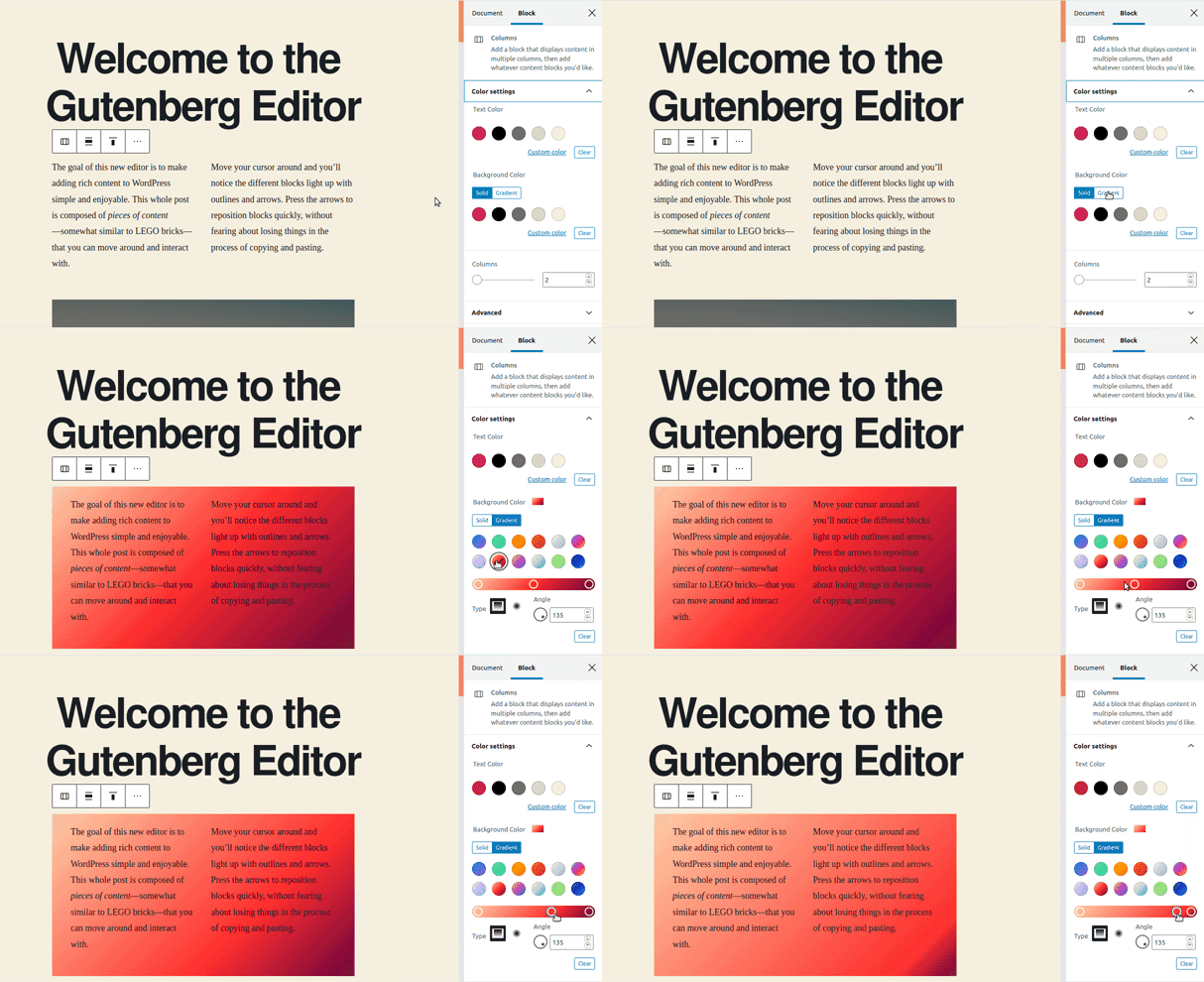
This gives you much more flexibility to customise the website’s design and functionality.
Now that we’ve covered the difference between a website, blog, website builder, and a CMS, let’s look at the differences between the dot com and dot org versions of WordPress.
WordPress.com vs WordPress.org
WordPress.com
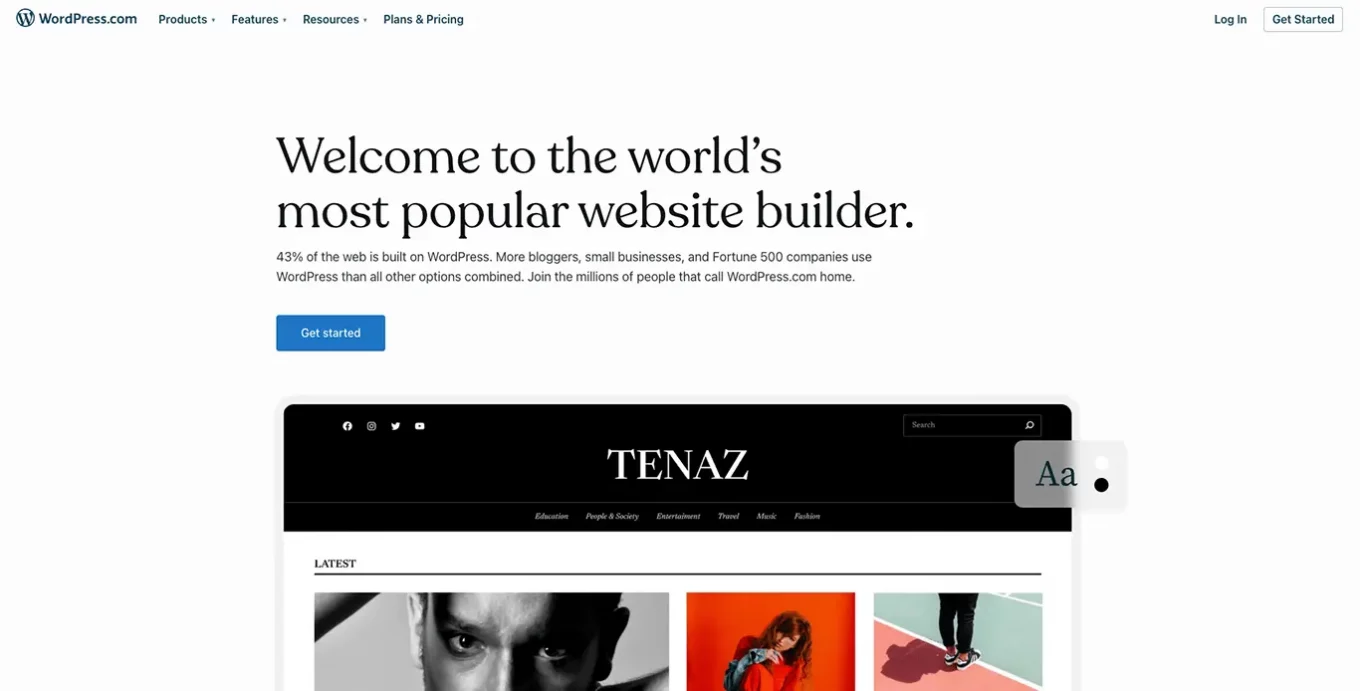
The WordPress.com platform is similar to website builders. You don’t need to know any code.
Your site will be hosted by WordPress and all technical maintenance is also handled by WordPress. Your domain will be a subdomain of WordPress by default. You can add a unique domain as a paid upgrade.
There are Theme options included, but you cannot upload your own themes. Also, plugins are not available for the dot com version.
However, if you’re looking for a cost-effective way of getting a new website online, this platform is ideal.
Should you wish to expand on your website with functionality or a bespoke Theme, it is easily transferable to the WordPress.org version.
WordPress.org
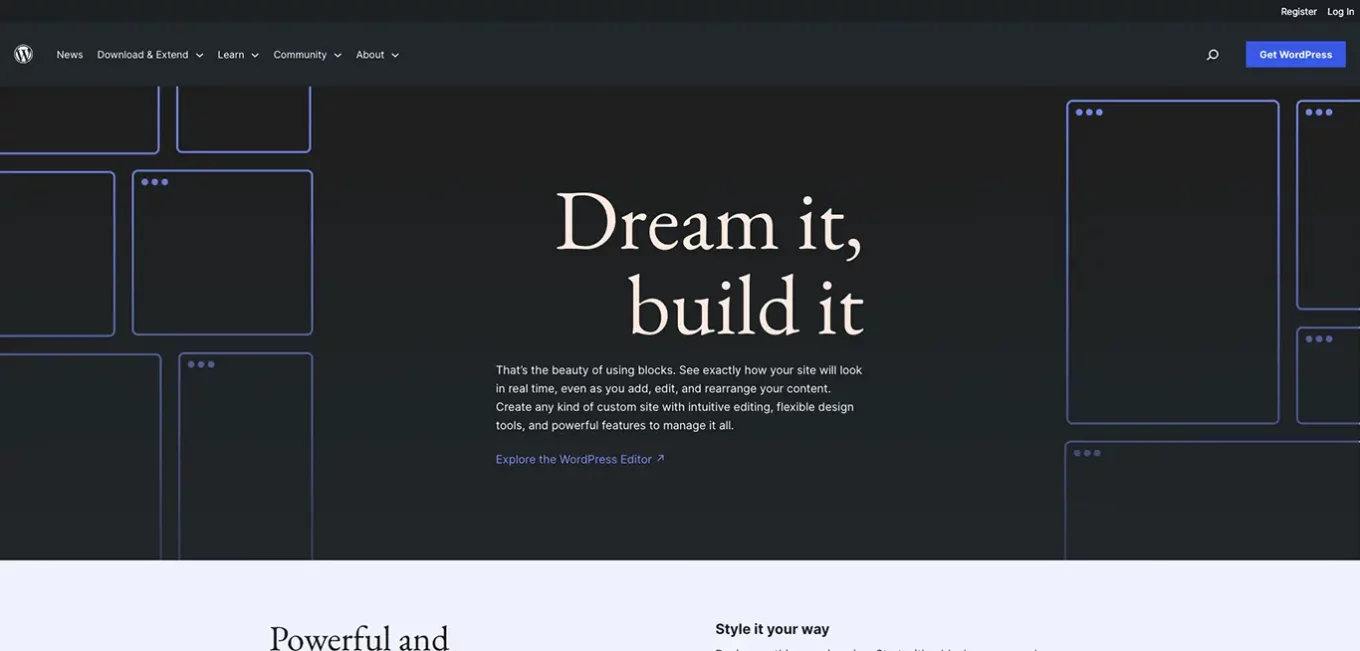
With WordPress.org, you’ll need to have some knowledge of the languages it’s built on. How much depends on the level of customisation needed.
You’ll also need to get and manage your own domain and web hosting and be responsible for the technical maintenance. But, you get access to more Theme options and full control over the theme files and source code.
There are also thousands of plugins to add extra features and functionality, or you can even create your own plugins.
There really is no limitation, the website is your own, you have full control over the design, functionality and how big you wish to scale.
Lots of well-known and popular brands use this flavour of WordPress, such as Meta newsroom, Vogue, The Obama Foundation, Angry Birds, The Walt Disney company, Sony Music and more.
Read more: How to choose secure WordPress plugins
WordPress is great if you want something simple and quick to get started with, but if you need a more customised website, WordPress.org may be a better option.
If you want to know more, there are plenty of articles in our WordPress category.


